
Singapore Airlines Free eSIM Application Guide#
Exclusive to Singapore Airlines: Global roaming eSIM, covering 118 countries.
Introduction#
Wherever you are, you can stay connected with the Singapore Airlines exclusive global roaming eSIM card powered by Frewie. Enjoy high-speed 4G/5G data connections in 118 countries/regions without the need for a physical SIM card or complicated setup. Simply scan the QR code to activate and easily browse, message, or navigate.
Whether you're on a short trip or a long adventure, this eSIM allows you to connect to international networks effortlessly. You can conveniently monitor usage, recharge online, and avoid roaming fees while staying in touch with your most important people anytime, anywhere.
Key Features#
- Global Coverage: Use eSIM to enjoy 4G/5G speeds in 118 countries/regions
- Instant Activation: Activate within minutes after receiving your eSIM QR code from Frewie
- Easy Recharge: Add data anytime through the Frewie app or usage.frewie.com
- No Contracts: Enjoy borderless connectivity with no hidden fees or commitments
I. Quick Start#
Registration Link: https://pel.sg/0aCXzV
Redeem your 1GB free global eSIM card powered by Frewie in just three steps:
- Choose the 1GB package (worth 4.5 SGD) and select today as the activation date
- Enter your promo code
PELESIMDECat checkout - After purchase, scan the QR code sent to your email by Frewie to activate immediately
II. Detailed Tutorial#
-
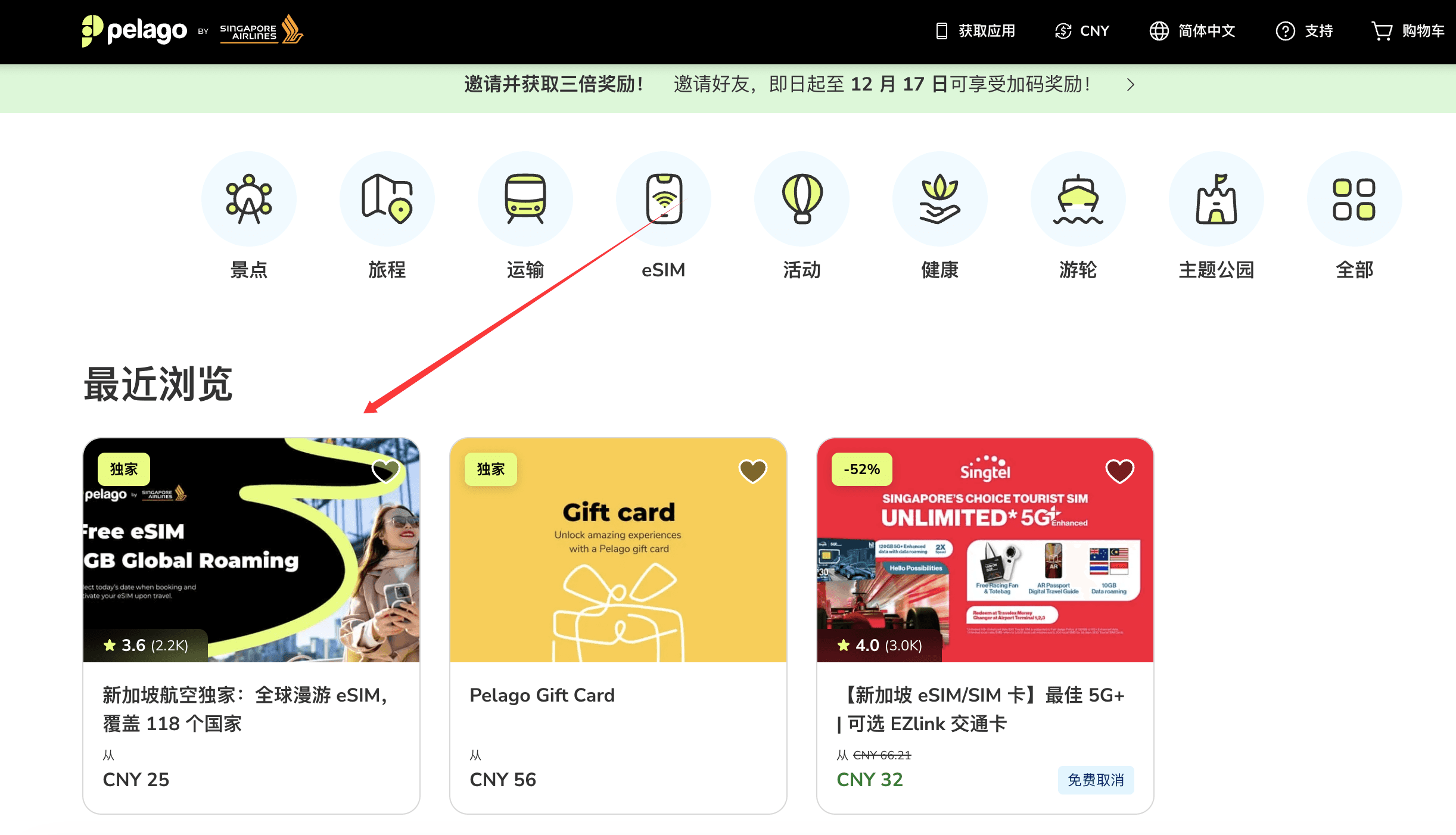
Register via the registration link: Visit https://pel.sg/0aCXzV and complete the registration, then find this promotion
-
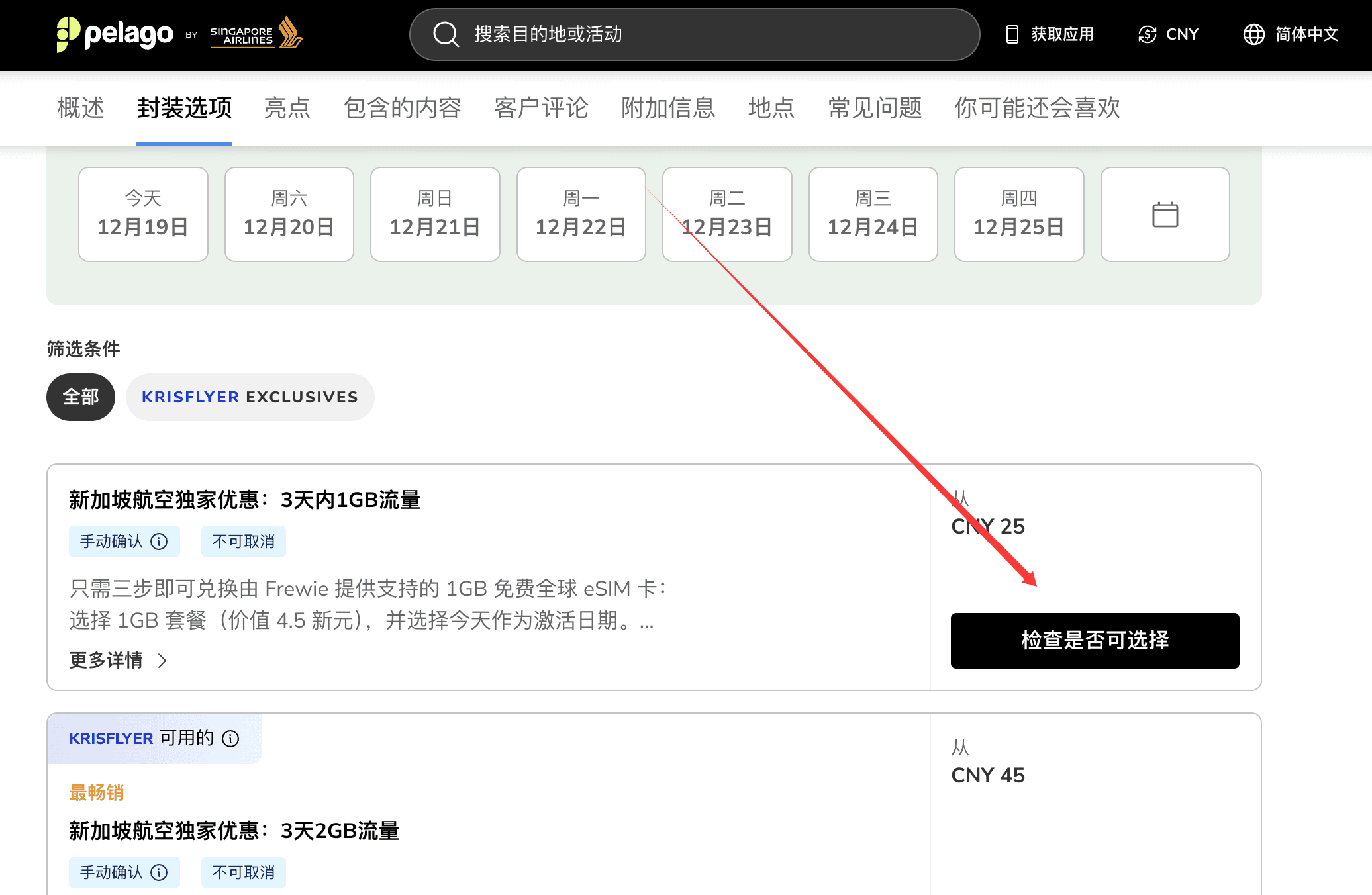
Select the offer: Choose the exclusive Singapore Airlines offer: 1GB data for 3 days
-
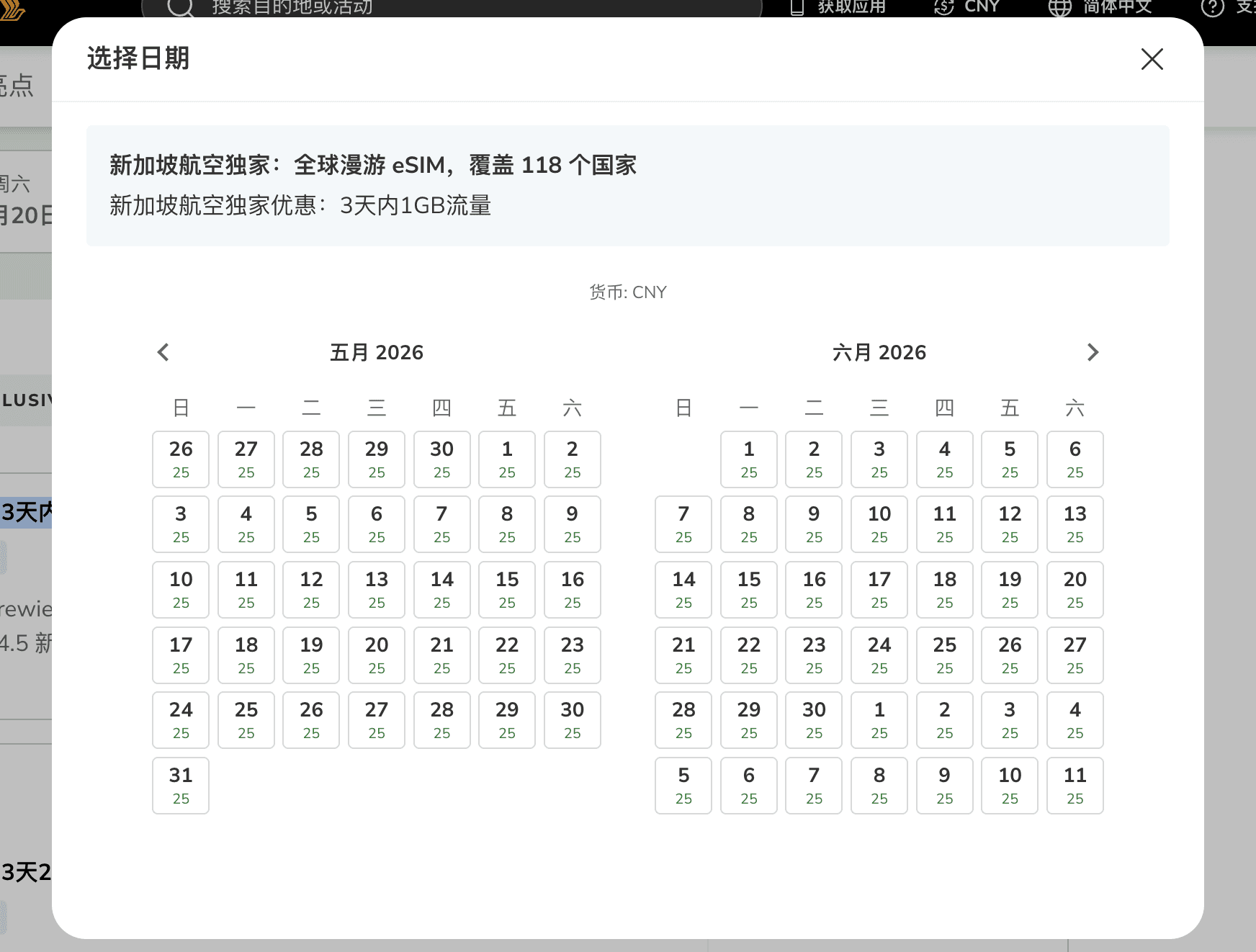
Select activation date: Choose the date you want to activate
-
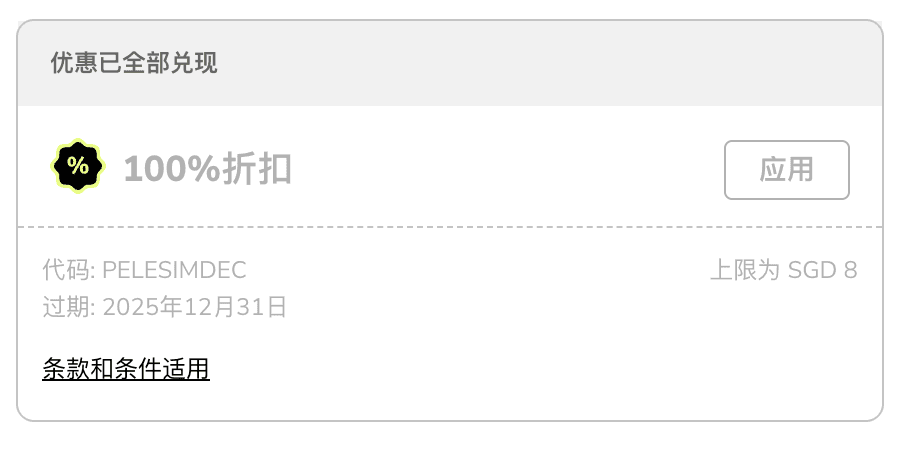
Place the order: Place your order and enter the promo code
PELESIMDECto deduct the cost
-
Wait for approval: Wait for the order approval to complete, and the eSIM activation code will be sent to your email
III. Activate and Test#
Add eSIM via Phone Scan#
iPhone: Settings → Cellular → Add eSIM → Scan QR code
Android: Settings → Network & Internet → Add eSIM → Scan QR code
Activate and Test#
Once activated, use the data to complete the testing.